Contact Info
2735 Hassert Blvd. Ste. 135 PMB304
Naperville, IL 60564

Save the date for IDEAcon 2025
February 17-21, 2025
Join Idea
IDEA aims to inspire, connect, and provide the educational community with opportunities that transform teaching and learning through innovation.
When you join IDEA, you’ll have a multitude of resources at your fingertips to support and promote innovative education for all.
Whether you are looking for certifications, needing professional development hours, or simply want to be a life-long learner, IDEA is here to help.


Latest news from IDEA:
Congrats to our 2024 Mini-Grant Award Winners!

IDEA Mini-Grant Program provides members with funding for educational projects that showcase innovation and creativity and directly benefit students.
This year, IDEA Awarded $8,500 in Mini-Grants.
Congrats to our 2024 EOY Recipients!


Save the date: IDEAcon 2025

Thank you to everyone that joined us in Schaumburg (or virtually) for IDEAcon 2024.
We hope to see you again in 2025!
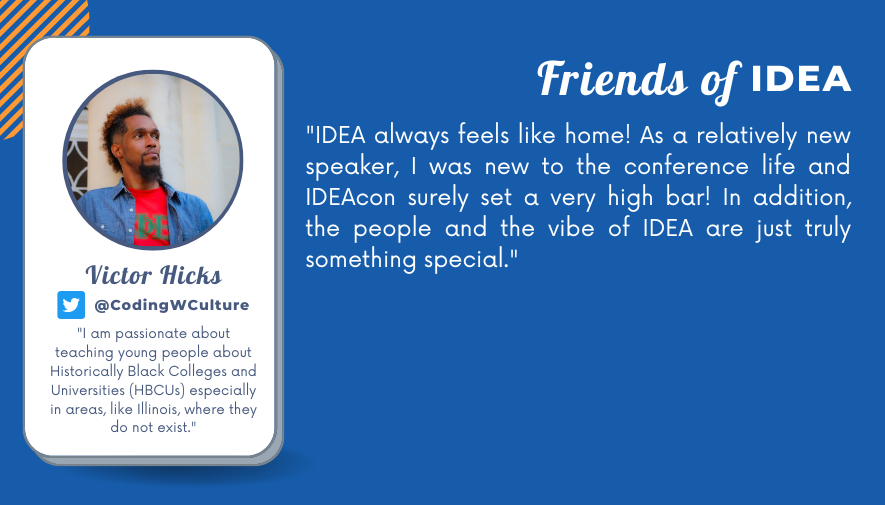
THE IDEA BLOG


Partner with IDEA
IDEA relies on partners to be able to achieve its mission: To inspire, connect and provide the educational community with opportunities that transform teaching and learning through technology.
Contact us
2735 Hassert Blvd. Ste. 135 PMB304
Naperville, IL 60564
©2022 | All Rights Reserved | Illinois Digital Educators Alliance
Website powered by Neon One